
Moment Pro Camera II
 31. Platz
 4. Platz
 35. Platz
 4. Platz
 9. Platz
WAS IST NEU?
Pro Camera is now free to download and try, with both lifetime and rent-to-own options. We're excited to help get MPC II into more pockets. Happy shooting! Changelog: + New quick-start guide in settings + Revamped interactive manual + Improved LUT browser performance + Minor bug fixes
- KATEGORIE: Foto und Video
- PREIS: Kostenlos
- WEBSITE: www.shopmoment.com
- Gerätetyp: Smartphone, Smartwatch, Tablet
- VERSION: 1.4
- STAND: 18.11.2026


We’re a small independent group of photographers, designers, and engineers who want more out of their camera: more natural shots, more cinematic video, and more manual controls. We’ve been making MPC-II for over a decade and promise to keep making it better. Join us.
NATURAL, UNPROCESSED SHOTS
It starts with the look.
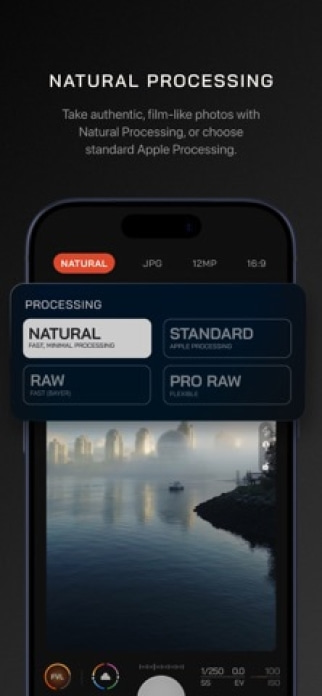
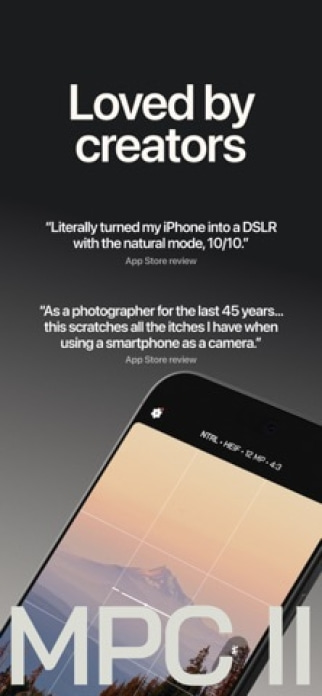
• MPC-II offers our own Natural Processing imaging pipeline. It builds from RAW data instead of the stock camera’s heavier HDR and contrast, so you get authentic tones without excessive sharpening and noise reduction.
• Dynamic Range Enhancer: a tone mapping pipeline for Natural that recovers detail in highlights and shadows. Set it to Off, Light, Medium, or Strong.
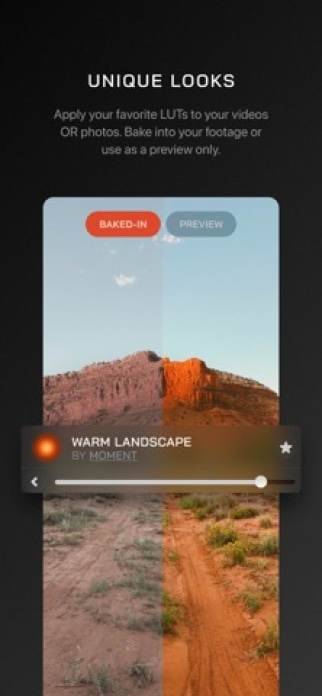
• Import Your LUTs: bring your own into the Look Library and organize them in folders. Shoot with your LUTs baked into your shots, or use them in preview-only mode.
YOUR OWN WORKFLOW
Your camera, your way. We built MPC-II to support anyone’s workflow.
• Swap Your Action Plates: pick the plate that suits you, then choose which controls live on it. Rearrange the controls or remove everything but the capture mode.
• Save Your Profiles: save your capture mode, format, look, and controls. Store unlimited profiles and pin four to quick slots you switch with a tap.
• Launch From Anywhere: open a Profile or capture mode from a widget, a Shortcut, or Apple Watch. On the Watch you also get a live feed, lens switching, Crown zoom, and timers.
• Your Focal Lengths: add the focal lengths you actually shoot to each camera and cycle through them from the lens bar.
• Zen Mode: go distraction-free.
PRO TOOLS
Now for the camera-nerd features. We’ve spent a decade building pro tools that photographers and filmmakers rely on. Missing one? Tell us and we’ll add it.
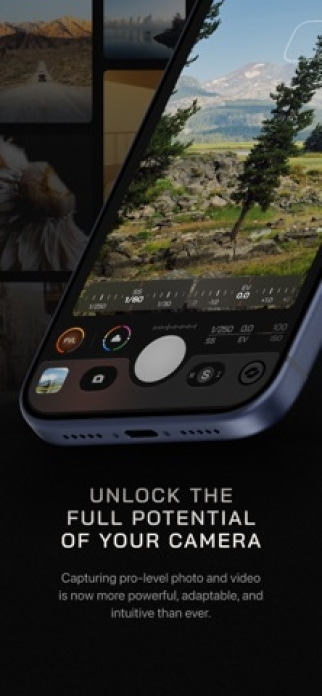
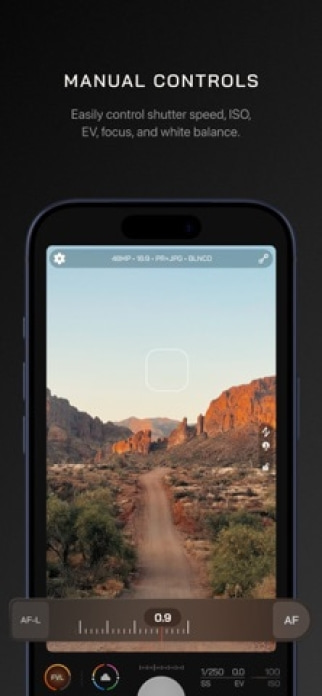
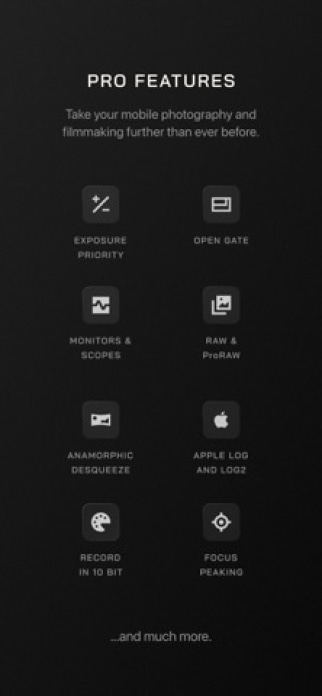
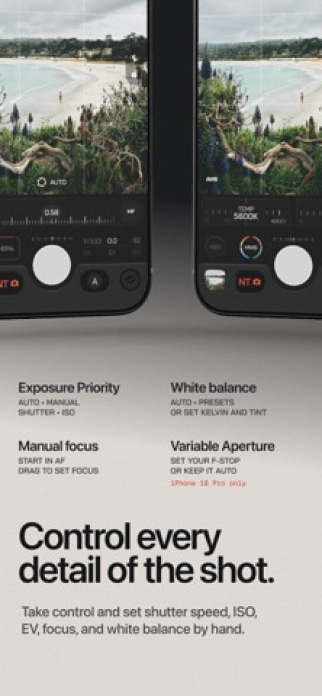
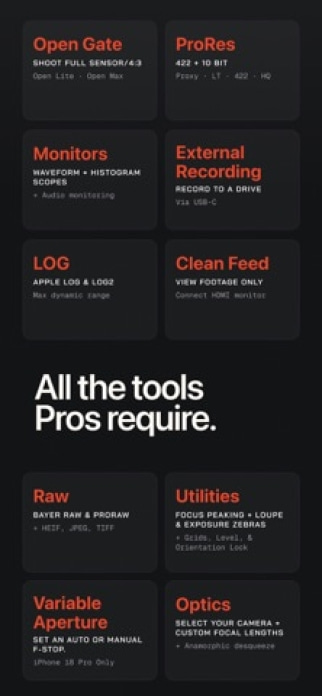
• All The Manual Controls: Auto, Shutter Priority with ISO range, ISO priority, or full Manual. White balance by temperature and tint, presets, or gray card. Separate exposure and focus reticles, Manual Focus, Focus Peaking, and Focus Loupe. On iPhone 18 Pro, Variable Aperture from f1.48 to f4.0. Works in Photo and Video.
• Photo Modes: Natural, Standard, RAW, or ProRAW. JPG, HEIF, or TIFF. Standard at 12, 24, or 48MP. Shoot 3:4, 4:5, 1:1, or 16:9. Tune ProRAW bit depth and compression.
• Video Modes: Open Gate, Apple Log and Log2, ProRes, 10-bit recording, and HEVC. Set resolution, color space, frame rate, codec, bitrate, and chroma subsampling.
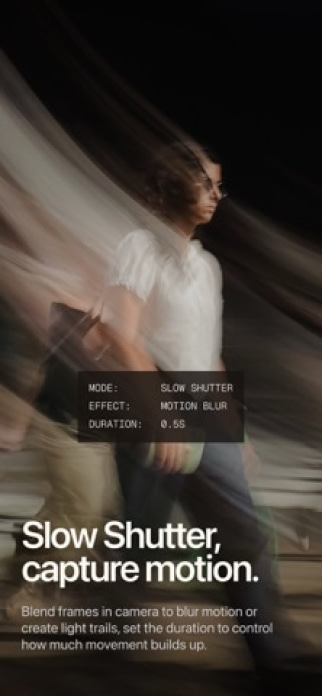
• Slow Shutter: build light trails and motion blur in camera by stacking frames. Set a duration, or hold the exposure open with Bulb.
• Monitoring: Waveform, RGB histograms, zebras, false color, and audio meters. Grids, levels, and social frames.
• Hardware and Storage: save to your photo library, Files, or external storage. Supports external and bluetooth mics, HDMI clean feed, and Moment lenses with anamorphic de-squeeze.
BUILT TO BE RELIED ON
We track our performance closely. Whether you’re shooting from a mountaintop or making a feature film, MPC-II is an app you can count on when it matters most.
• Efficient processing: our pipeline is built to perform, even when shooting high-bandwidth formats with monitors and LUTs.
• Confidence: your selected lens is locked, rather than switching on its own when the light changes. Your format, exposure, and color settings stay on screen, so you always know what you're shooting.
• Always reliable: a stable app you can count on through the whole take, the whole shoot, and the whole trip.
We love hearing from our community. For feature requests, ideas, or support, email us at hello@momentprocamera.com or message us @momentprocamera on social media.
Terms of use: https://www.apple.com/legal/internet-services/itunes/dev/stdeula/
Übersicht der Chart-Platzierungen von Moment Pro Camera II in den Top App Charts und Foto und Video Charts der letzten 7 Tagen.
Nächste Aktualisierung: Morgen 12:00 Uhr MEZ.
Bewertung hinzufügen
| Altersfreigabe | 4+ |
|---|---|
| Sprache | EN |
| Alle Kategorien | Foto und Video |
Ähnliche Apps




Bestbewertete Apps

Enlight
4,49 €


