Jump Desktop (RDP, VNC, Fluid)
 1. Platz
 4. Platz
 1. Platz
 2. Platz
 2. Platz
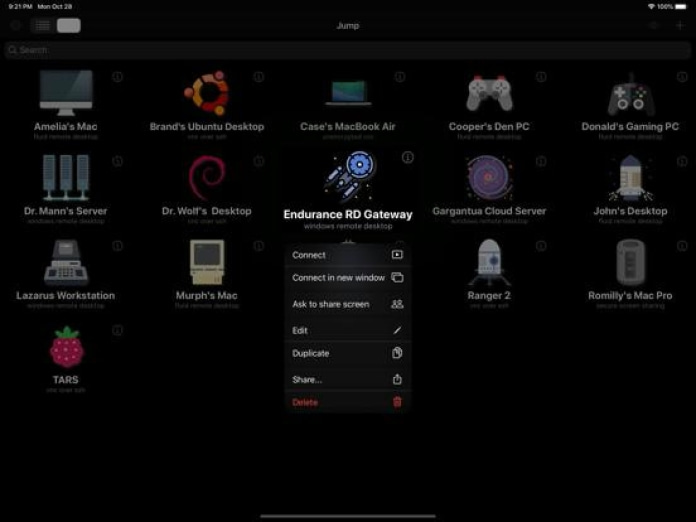
Jump Desktop 10 ist das größte Update von Jump Desktop für iPhone und iPad seit Jahren. VIRTUELLE DISPLAYS – ERSTMALS AUF IPHONE UND IPAD • Ein Einzelnes virtuelles Display gibt dem Host einen Schreibtisch, der für Ihr Gerät gemacht ist: exakt die Auflösung Ihres Displays, volle Retina-Schärfe, Drehung wird übernommen, und alles läuft mit der Bildwiederholrate Ihres Displays. Kein Zoomen und Schieben mehr auf einem Schreibtisch, der für den Monitor von jemand anderem gedacht war. • Schalten Sie es bei der ersten Verbindung ein oder jederzeit über das Menü Display. SCHÄRFERE, FLÜSSIGERE SITZUNGEN • Hardware-Decodierung hält Bewegungen flüssig und schont den Akku. Wählen Sie Codec > Hardware. • Wählen Sie Fluid 2.0, Fluid oder Hardware im neuen Menü Codec. • Wählen Sie eine Stufe der Farbqualität: Good für Leistung, High für scharfen Text, Pro und Ultra für 10-Bit-Farbe. • Auf ProMotion-Modellen von iPhone und iPad laufen Sitzungen mit bis zu 120 Bildern pro Sekunde. MEHR MÖGLICHKEITEN ZU ARBEITEN • Arbeiten Sie auf dem iPad mit beliebig vielen Computern gleichzeitig, jeder in seinem eigenen Fenster. Tippen und halten Sie einen Computer, dann tippen Sie auf Connect in new window. • Koppeln Sie einen Game-Controller, und der Host erkennt ihn als Xbox-Controller – oder nutzen Sie den Bildschirm-Controller mit verschiebbaren Bedienelementen und getrennten Layouts für Hoch- und Querformat. • Externes Display verwenden bringt den Bildschirm des Hosts auf einen Monitor, Fernseher oder Projektor, während Sie die Sitzung von Ihrem iPhone oder iPad aus steuern. • Legen Sie fest, wie lange Sitzungen im Hintergrund verbunden bleiben – von wenigen Minuten bis No Limit. • Tippen Sie auf Einstellungen und dann auf Verbindungsstatistik anzeigen, um den Zustand der Verbindung zu sehen. Einige Funktionen erfordern Jump Desktop for Teams Enterprise. Erfordert iOS oder iPadOS 16 oder neuer. Alle Details: https://docs.jumpdesktop.com/whats-new/jump-desktop-10/
- KATEGORIE: Wirtschaft
- PREIS: 17,99 €
- WEBSITE: www.jumpdesktop.com
- Gerätetyp: Smartphone, Tablet
- VERSION: 10.15.31
- STAND: 26.09.2026


Jump Desktop is a powerful remote desktop application that lets you control your computer from your iPad, iPhone or iPod Touch. Compatible with RDP and VNC, Jump Desktop is secure, reliable and very easy to set up.
Easy setup and reliable:
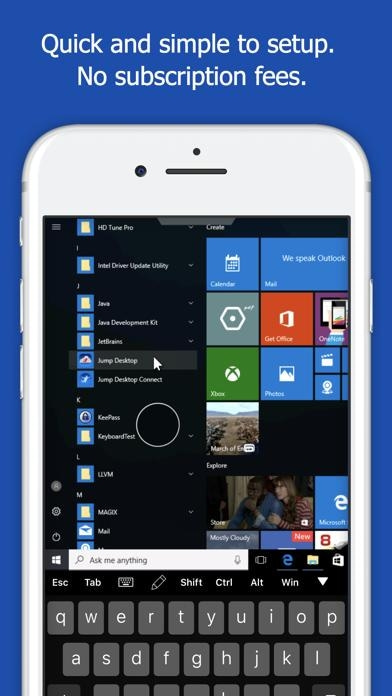
Jump Desktop is very easy to setup; anyone can do it! Just visit: https://jumpdesktop.com on your PC or Mac, click the ‘Automatic Setup’ link and follow step-by-step instructions. You’ll be up and running in no time.
Secure and built on open standards:
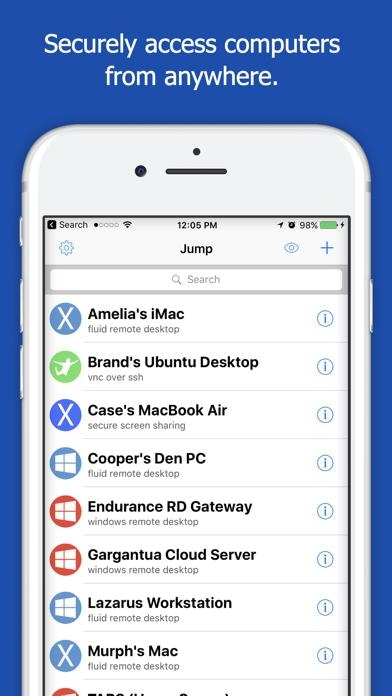
Jump Desktop is a RDP and VNC client. You don't need to download additional software if you already have RDP or VNC configured and know the address of your computer. Just enter your IP address or hostname to connect.
Powerful features:
* Works with almost any computer and operating system
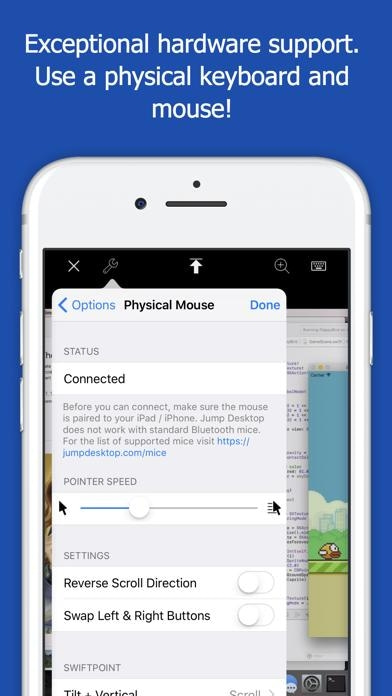
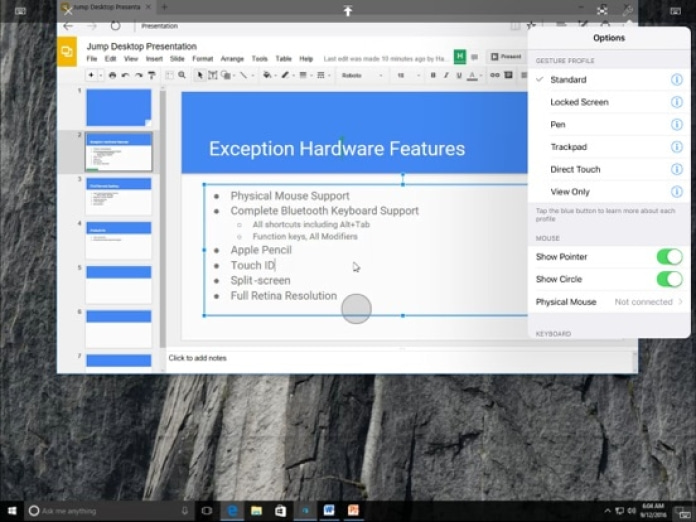
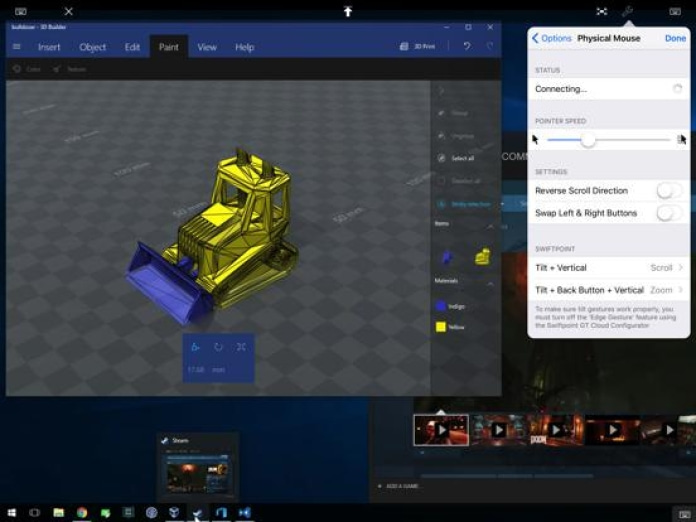
* Supports a physical mouse! Exclusive feature on the App Store! Important limitation: Jump Desktop does not work with standard Bluetooth mice and requires a specific Bluetooth mouse that pairs with iOS
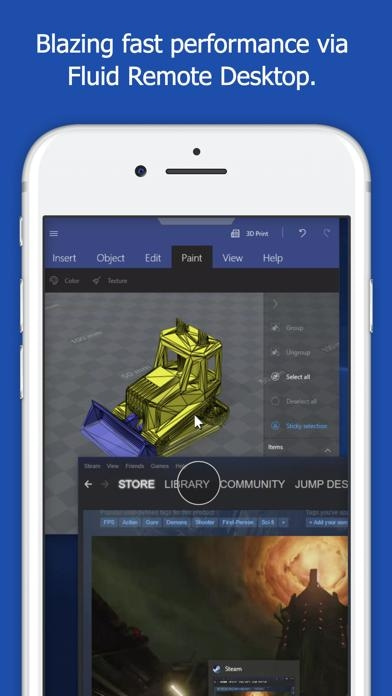
* New Fluid Remote Desktop protocol supports high performance remote desktop
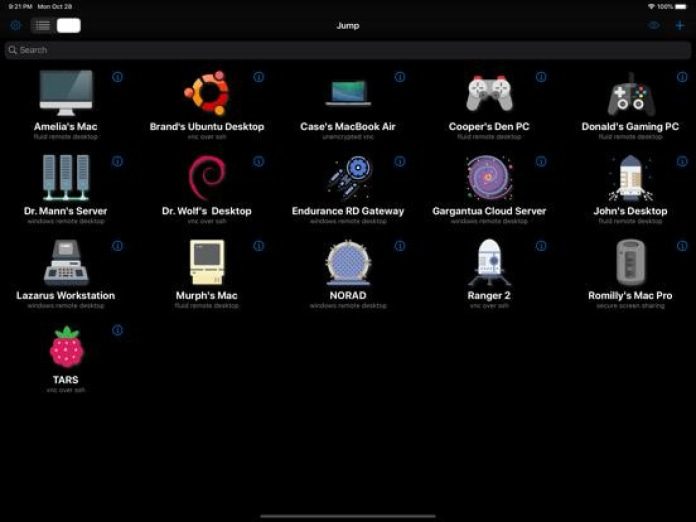
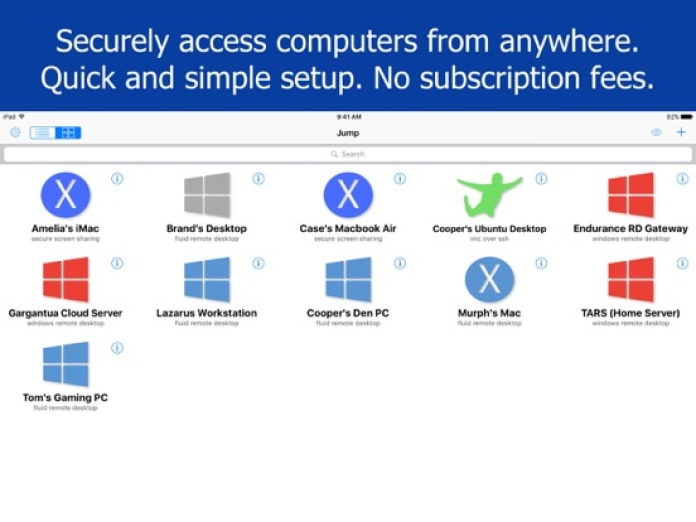
* Easy and secure setup: Automatically configure your PC or Mac for remote access using Wi-Fi/3G/LTE without worrying about your router settings. Setup as many computers as you like – there are no limits!
* Built for iPad Pro, iPad, iPhone and iPod
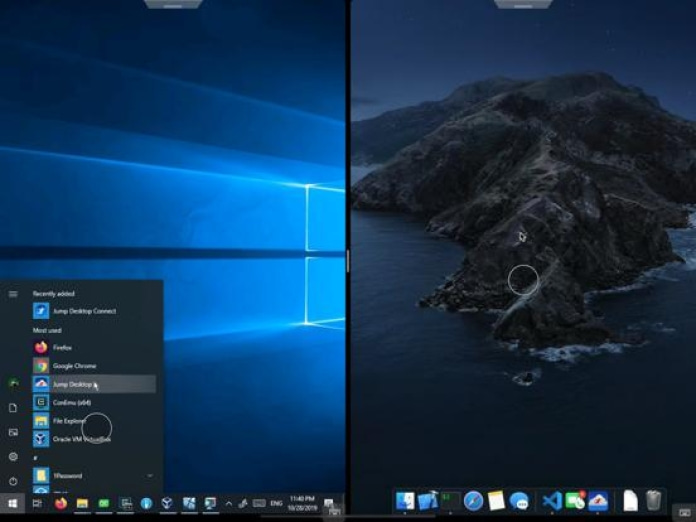
* iPad Pro features: Full support for split-screen multitasking and Apple Pencil
* Protect your server settings using Touch ID
* Connection syncing via iCloud connection syncing
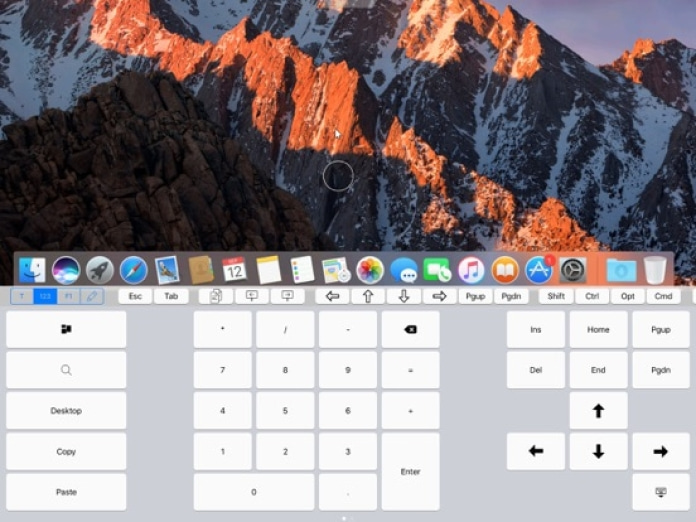
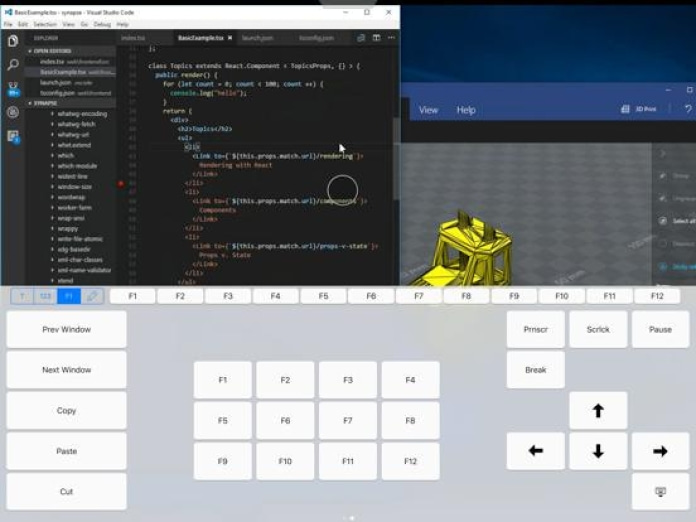
* Advanced Bluetooth keyboard: The best bluetooth keyboard support on the App Store. Shortcuts, function keys and arrow keys - everything works. Also includes macros for keys no available on bluetooth keyboards (i.e function keys)
* SSH tunneling with password and public key authentication supported
* Supports large custom screen resolutions and VGA/HDMI out
* Full mouse support via touch gestures: left, right and middle button clicks, dragging, scrolling, precision pointer movement
* Multiple gesture support - includes the ability to draw or write using your finger
* Copy/paste: Transfer text to or from your computer using the pasteboard
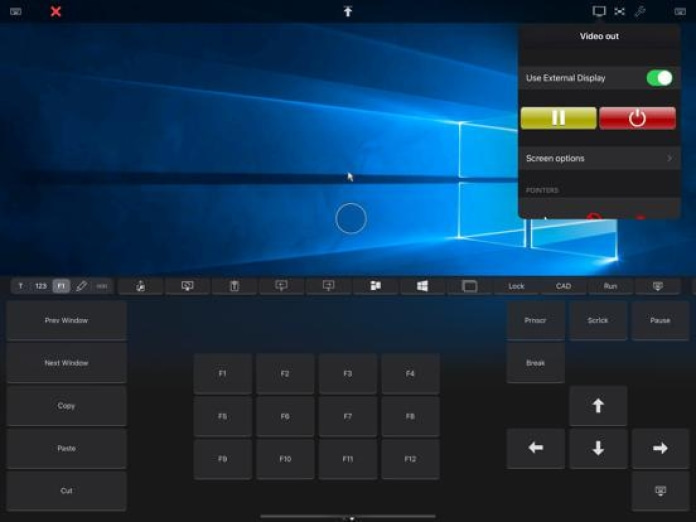
* HDMI/VGA support: view your desktop on the big screen using a cable or AirPlay. Jump's video out mode will let you utilize the full resolution of your external display.
* Multi-core rendering engine makes Jump Desktop one of the fastest RDP and VNC engines on the planet
* Full support for Linea and Infinea barcode and MSR scanners. Includes support for E2E encryption.
IMPORTANT NOTICE: Audio streaming and remote printing are NOT supported when connecting to Mac OS X and PCs running Windows ‘Home’ edition.
RDP features:
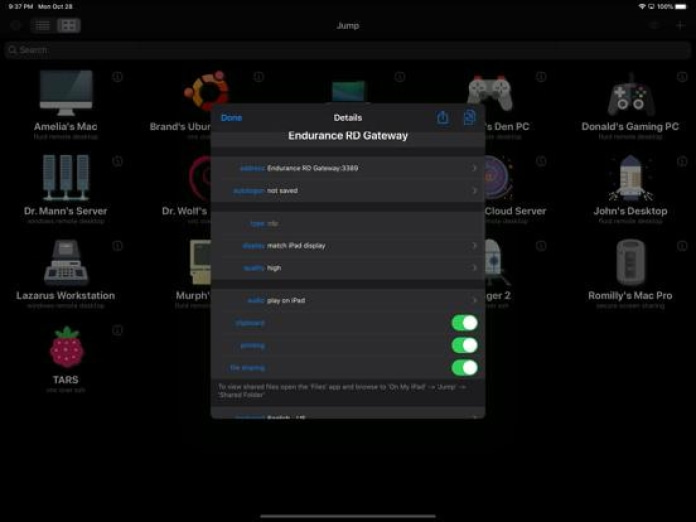
* Supports RD Gateway
* Supports custom resolutions. Set any resolution you want including Retina resolutions.
* Dynamic RDP resolution updates on Windows 8.1+
* Remote printing: Send print outs from your computer to your iPad/iPhone device (exclusive RDP print redirection feature on the App Store!)
* Drive redirection
* Audio streaming
* Console sessions
* International keyboard layouts
* Multiple monitor support on Windows 7+
* Multi-touch redirection support on Windows 8+
VNC features:
* Tested with Mac OS X, TightVNC, RealVNC, UltraVNC, Linux (Ubuntu Remote Desktop)
* Secure: Supports SSH tunneling as well as SSL encryption
* Black & white, gray scale, 8, 16 and 24-bit color to help optimize bandwidth
* Multiple monitor support
* Macs: Support locking the Mac's screen and syncing the pasteboard

Übersicht der Chart-Platzierungen von Jump Desktop (RDP, VNC, Fluid) in den Wirtschaft Charts der letzten 7 Tagen.
Nächste Aktualisierung: Morgen 12:00 Uhr MEZ.
Bewertung hinzufügen
| Altersfreigabe | 4+ |
|---|---|
| Sprachen | EN, FR, DE, IT, JA, KO, RU, ZH, ES |
| Alle Kategorien | Wirtschaft, Dienstprogramme |